Stowly is now on the App Store
Our private offline wallet for loyalty cards, QR codes, documents and shopping lists has arrived on iPhone and iPad, built natively in SwiftUI.
Stowly started on Android as a simple idea: the cards, codes and papers you carry every day should live on your phone and nowhere else. Starting today it does the same on iPhone and iPad. Download Stowly from the App Store, free and with no ads.
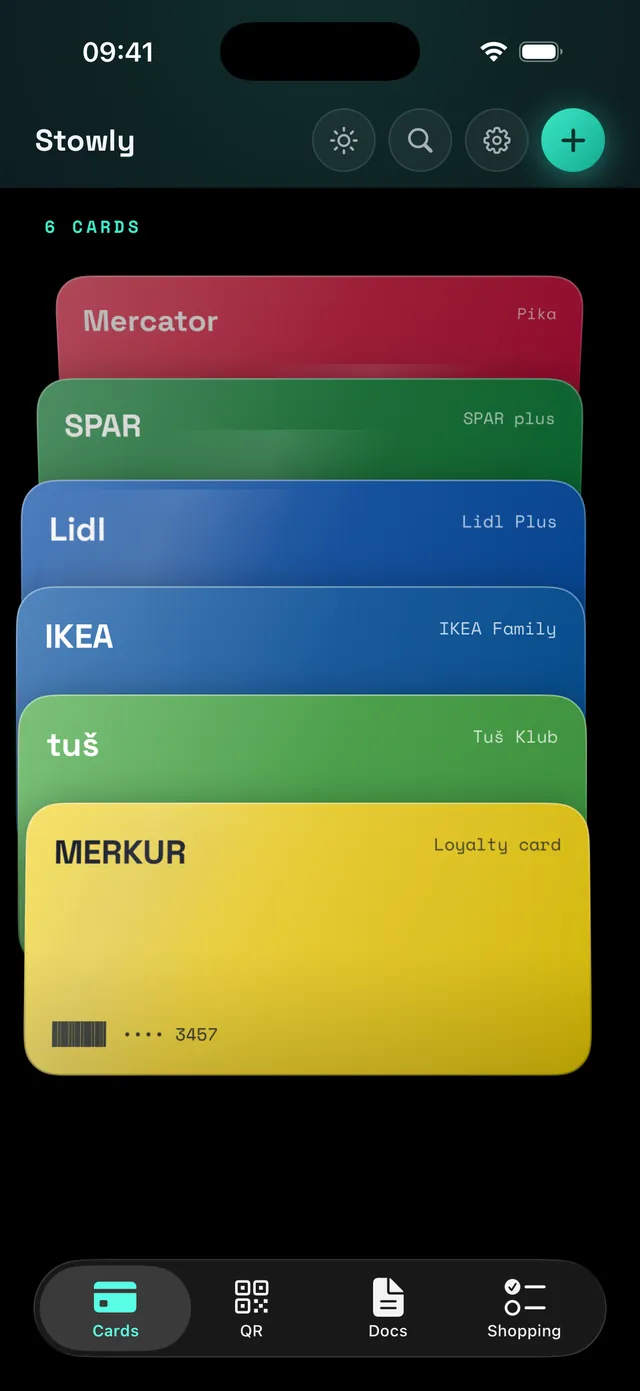
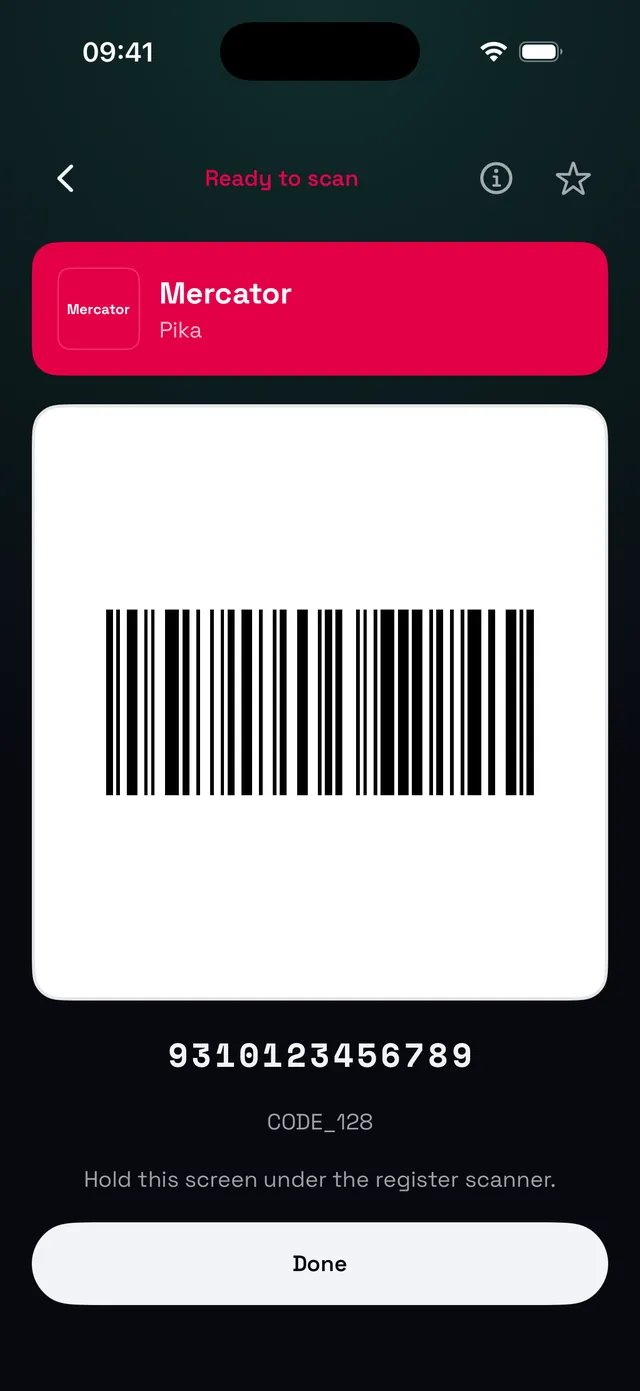
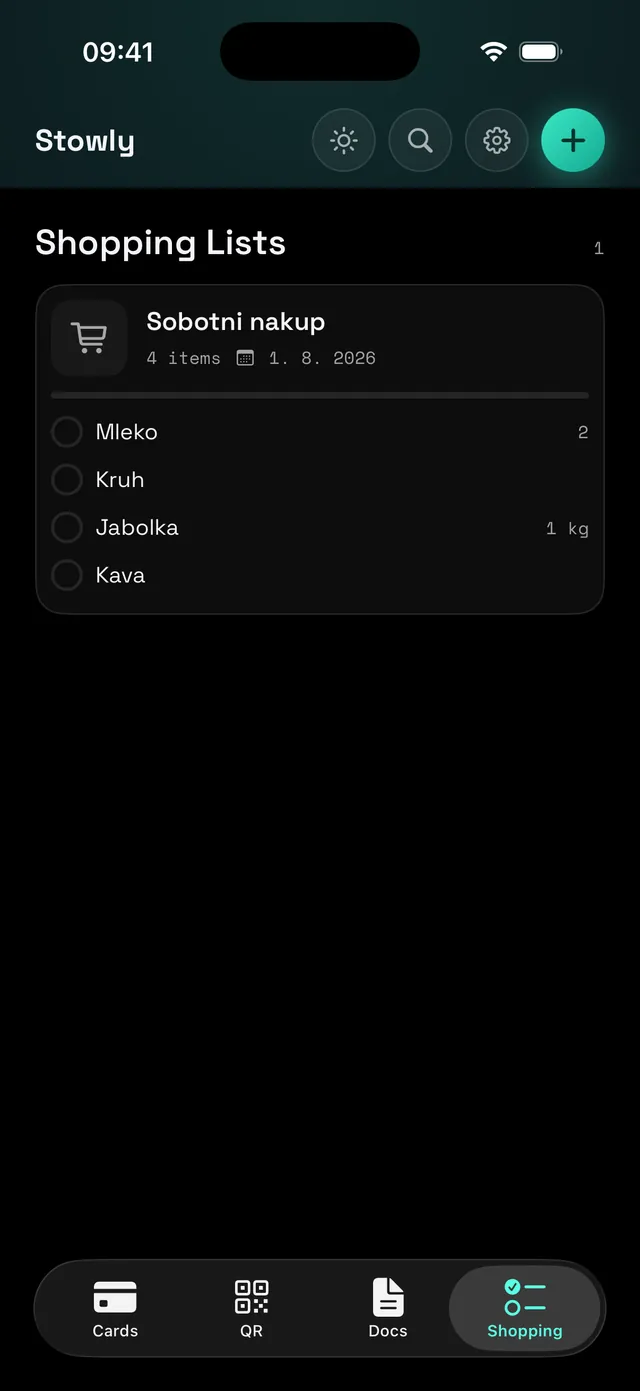
Everything in one private wallet #
- Loyalty cards at the till. Scan a card once and show it full screen when you pay. Stowly recognises around 130 store brands with their logo text and colours.
- QR codes you want to keep. Wi-Fi access, tickets, payment codes and anything else, saved with a suggested title so you can find it later.
- Documents and receipts. Scan multi-page documents with automatic cropping and on-device text recognition, then export a clean PDF.
- Shopping lists. Add items with quantities, tick them off, and link a loyalty card to a list so it is ready when you reach the checkout.
- Reminders for expiry dates. Give a card or document an expiry date and get a local notification before it runs out.
Private by design, on iPhone too #
Stowly for iOS has no accounts, no ads, no analytics and makes no network calls at all. Your wallet stays in a local database on the device, and the only things that ever leave it are the exports and shares you start yourself. You can lock the app with a PIN or Face ID.
Native, not a port #
The iOS app is written in Swift and SwiftUI rather than wrapped around the Android code, so it looks and behaves like an iPhone app should. It speaks the same 24 languages as the Android version, including Slovenian.
Backups travel between platforms. Export your wallet to a ZIP on Android, optionally encrypted with a password only you know, and import it on your iPhone with everything intact. It works the other way round too, so switching phones never means starting over.
Stowly runs on iOS 18.6 or newer. Screenshots and the full feature list are on the Stowly page, and the privacy policy explains exactly what the app stores.