Stowly
A private offline wallet for the things you scan and carry: loyalty cards, QR codes, receipts and documents, with shopping lists right beside them. No internet permission, so nothing can leave your phone.
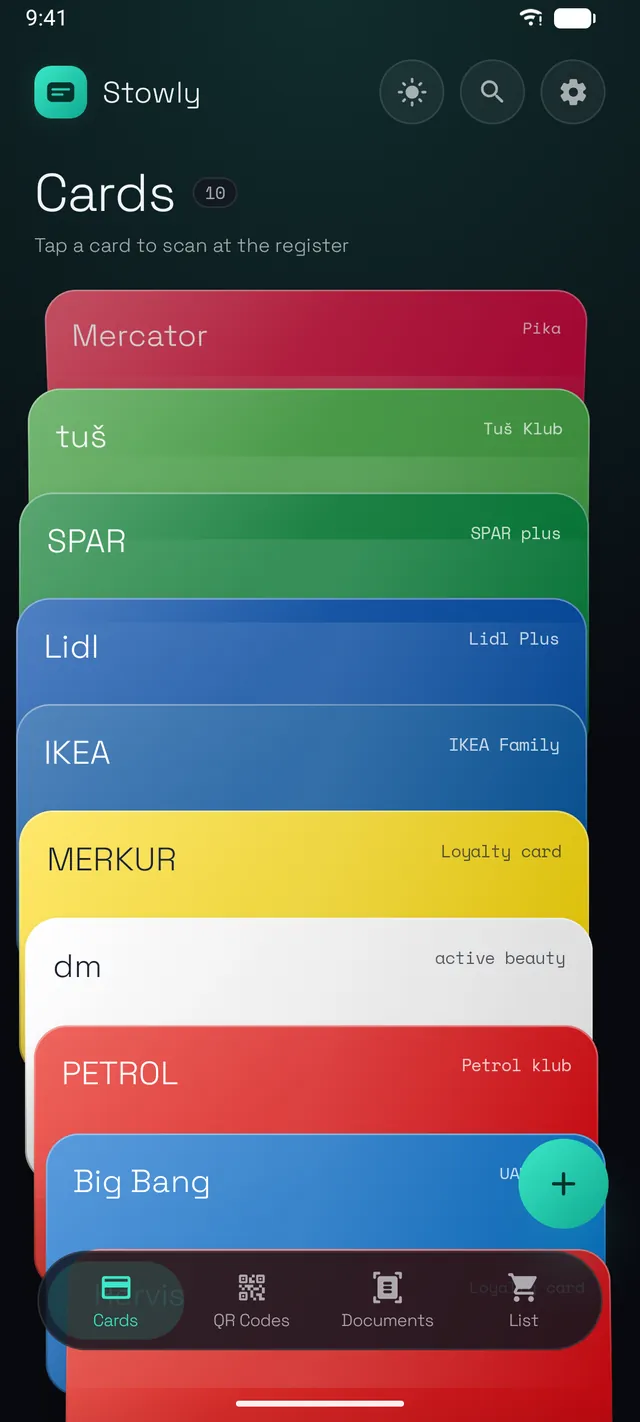
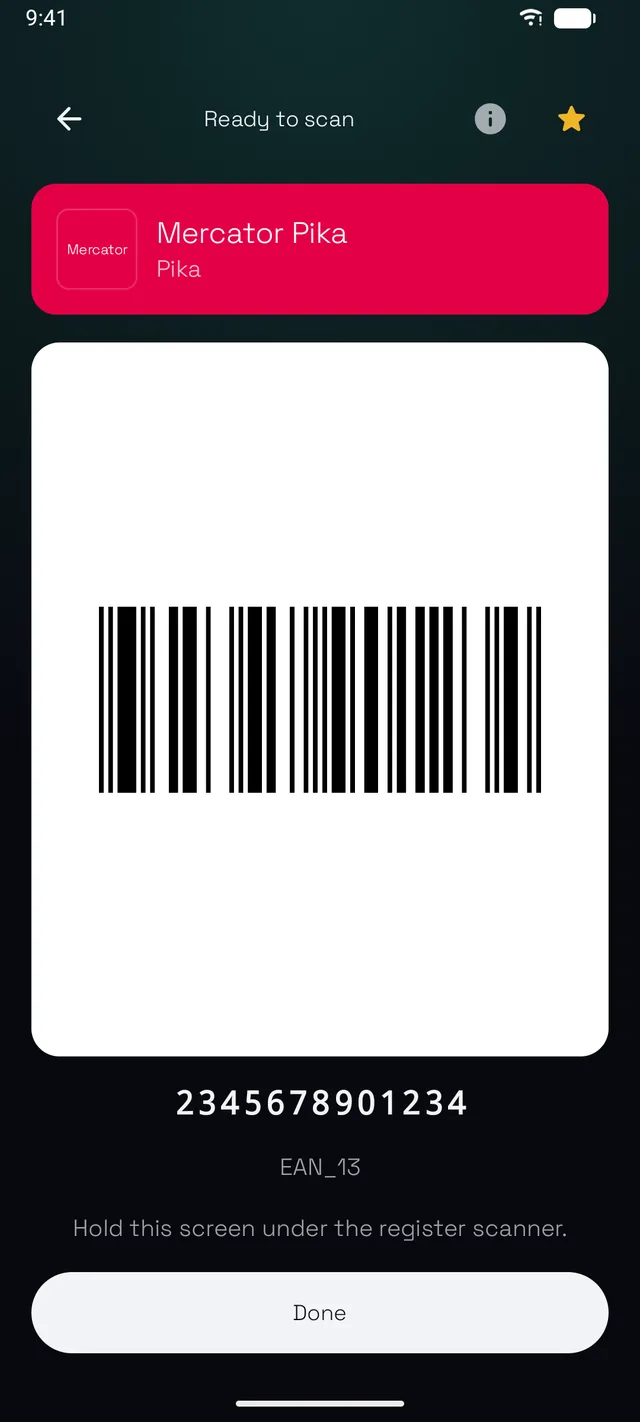
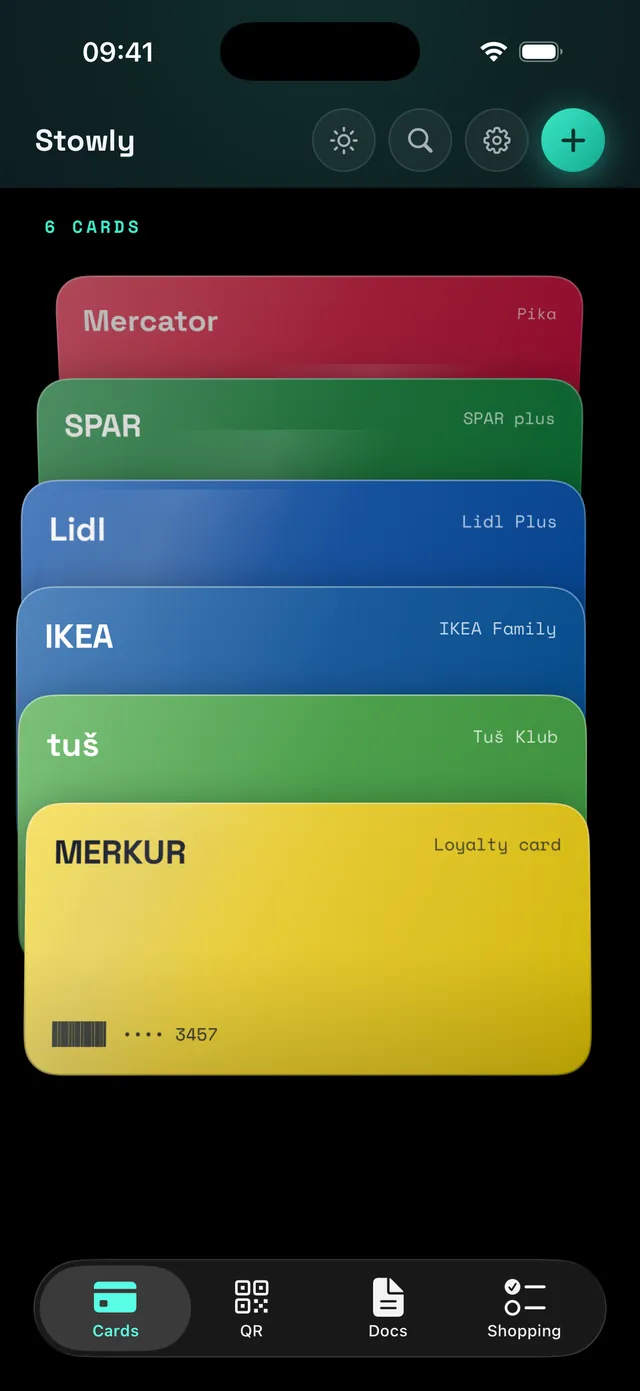
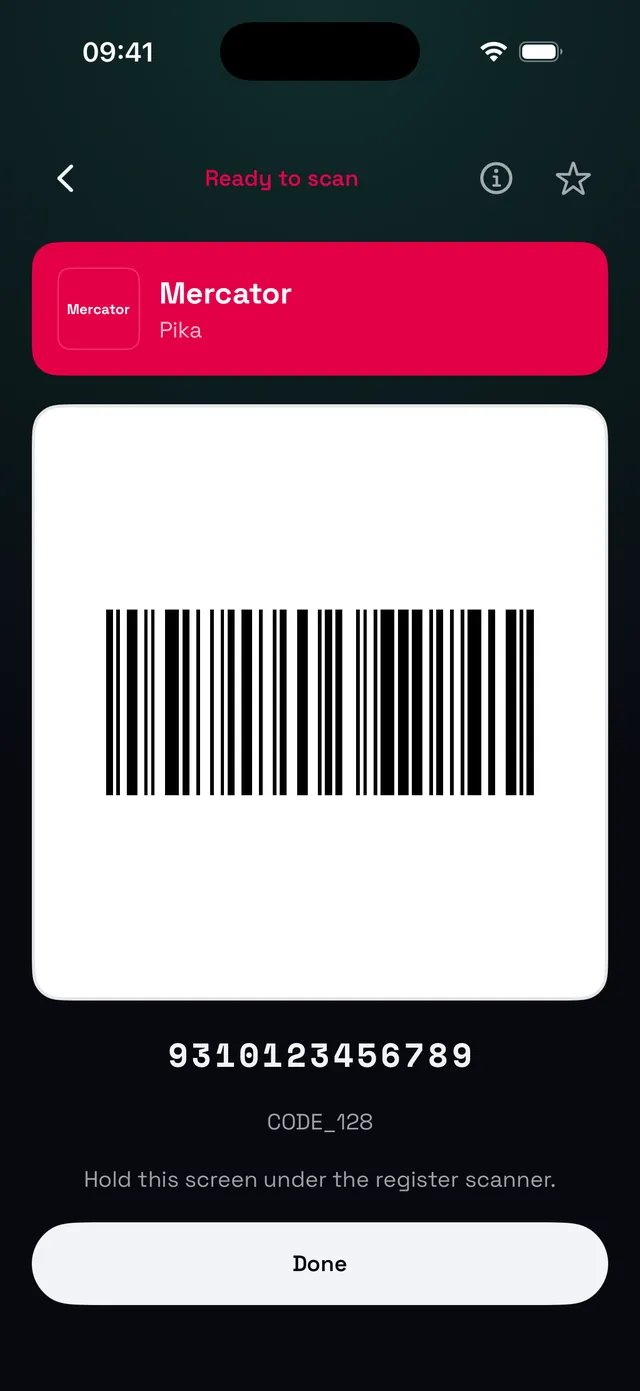
Drag through the app
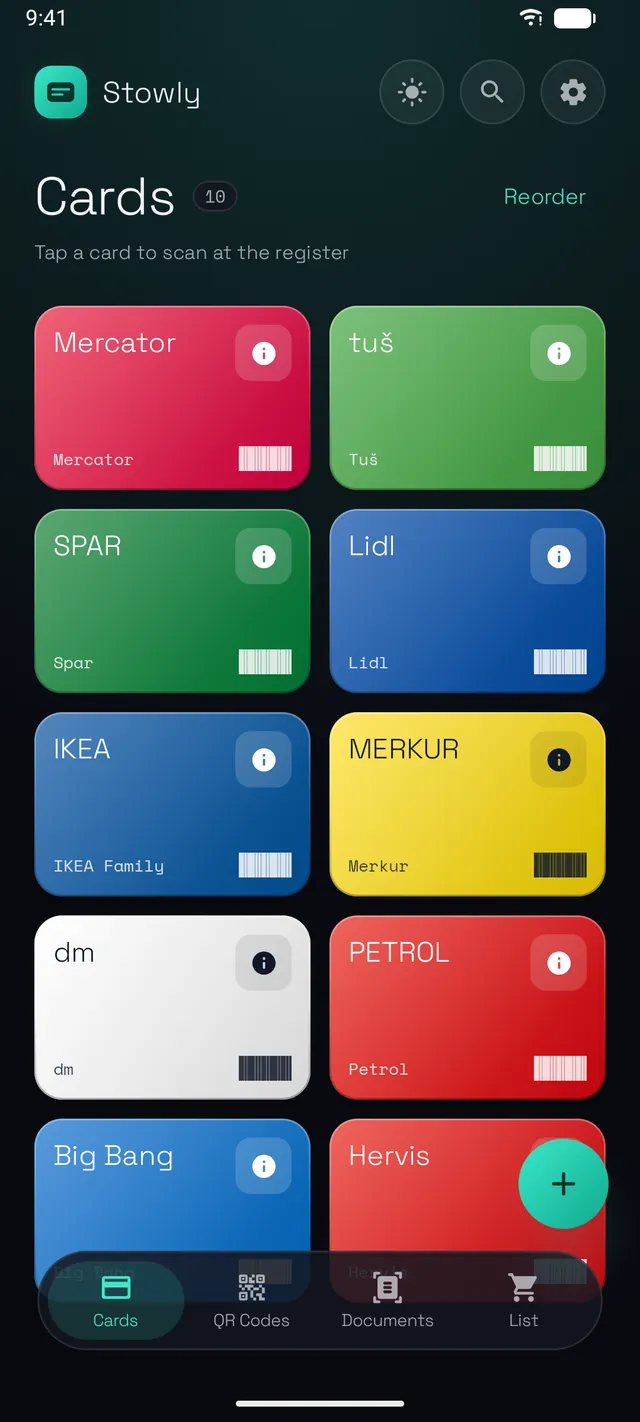
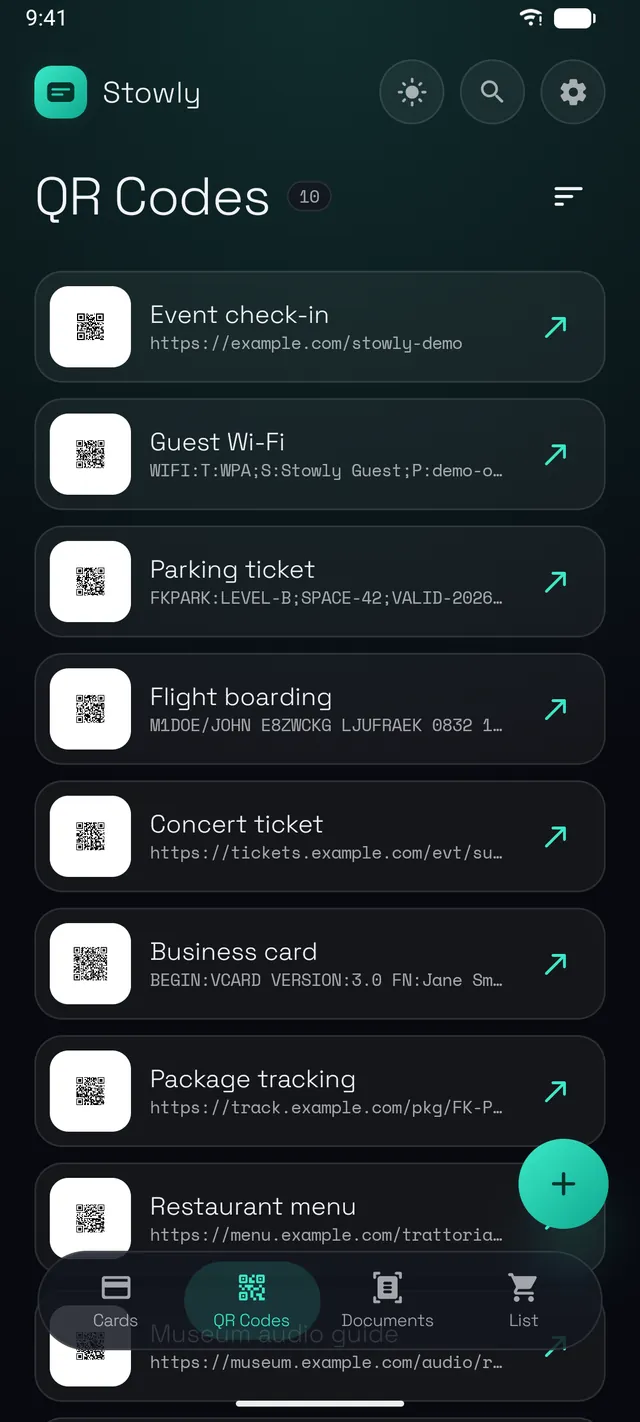
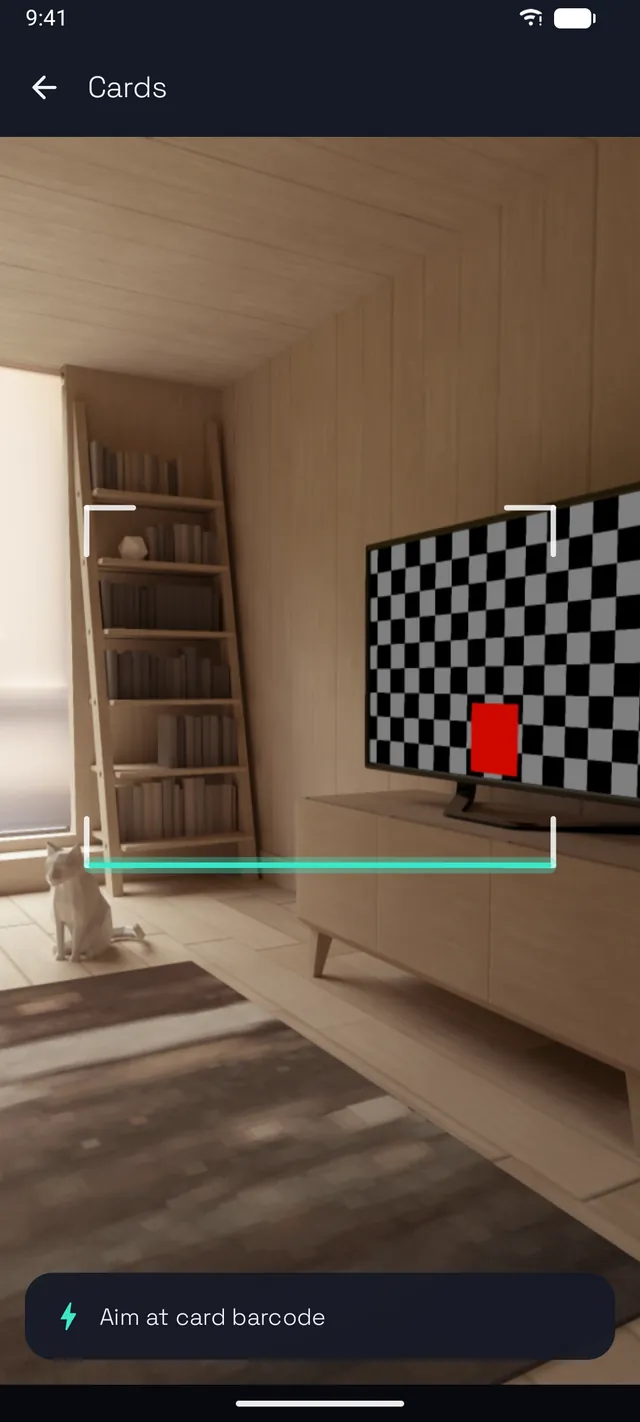
Everything you carry, nothing you leak
Stowly stores your scans on this device and nowhere else. The network permission is removed from the app itself, so it could not phone home even by accident. The only way anything leaves is when you export or share it yourself.
Loyalty cards, ready at checkout
Scan a card once and present it full-screen at full brightness at the till. Thirteen barcode formats, and around 130 store brands recognized with their logo text and colours.
You can also enter cards manually and scan QR-based loyalty cards, including cards linked to a shopping list.
QR codes you can reuse
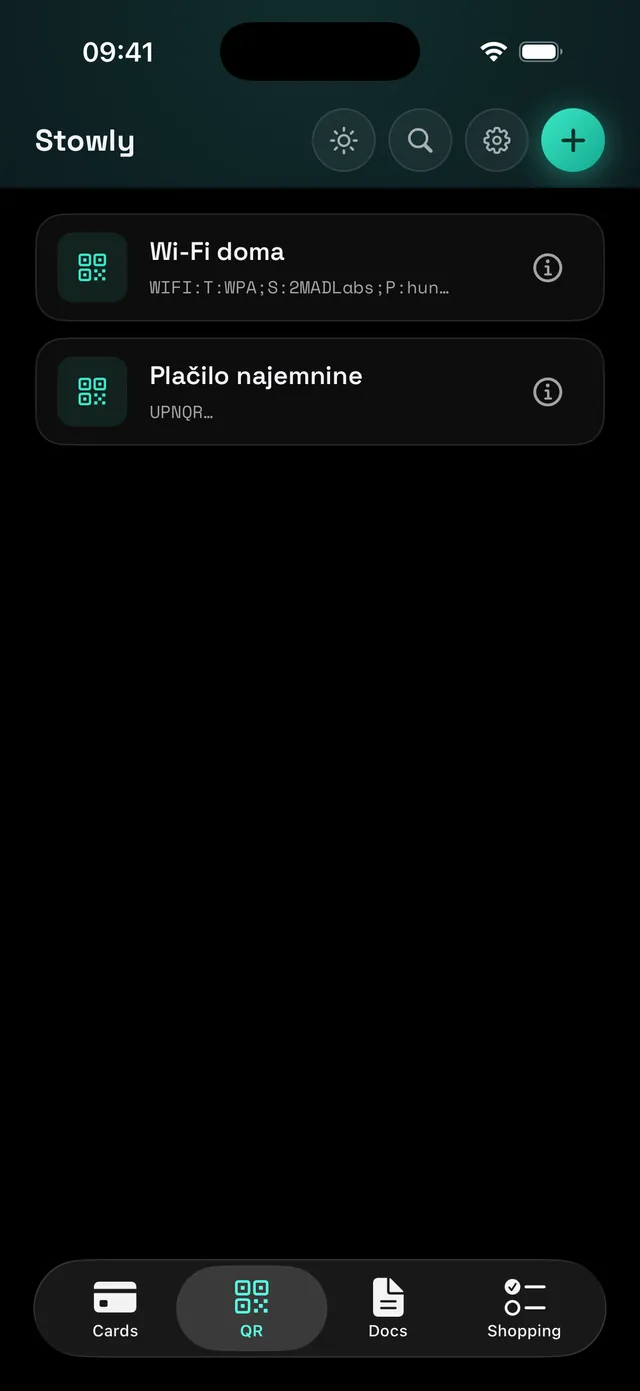
Save any QR code and show, copy or share its content later. Titles are suggested automatically, including Slovenian UPN payment codes.
Document and receipt scanner
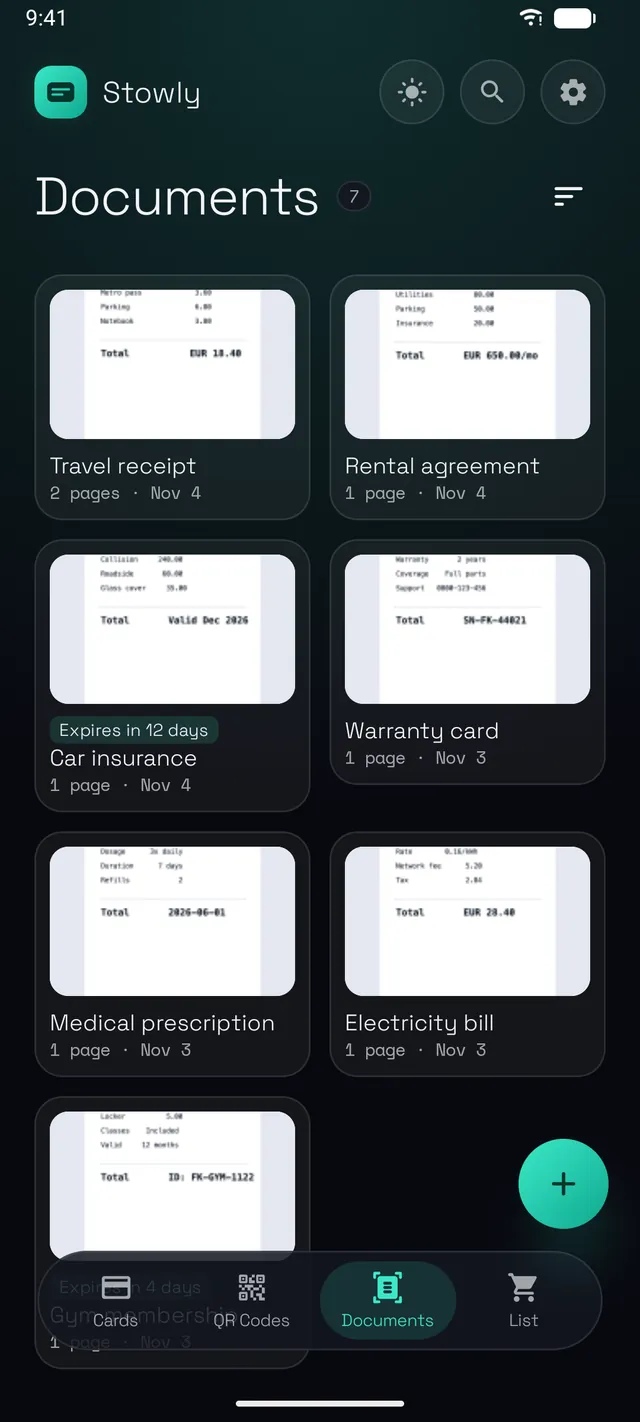
Auto-cropped, multi-page scans with on-device text recognition. Export a clean PDF or share pages as images.
On Android, a built-in camera works without downloading the Google scanner.
Reorder, rotate, replace or remove individual pages after saving.
Shopping lists, built in
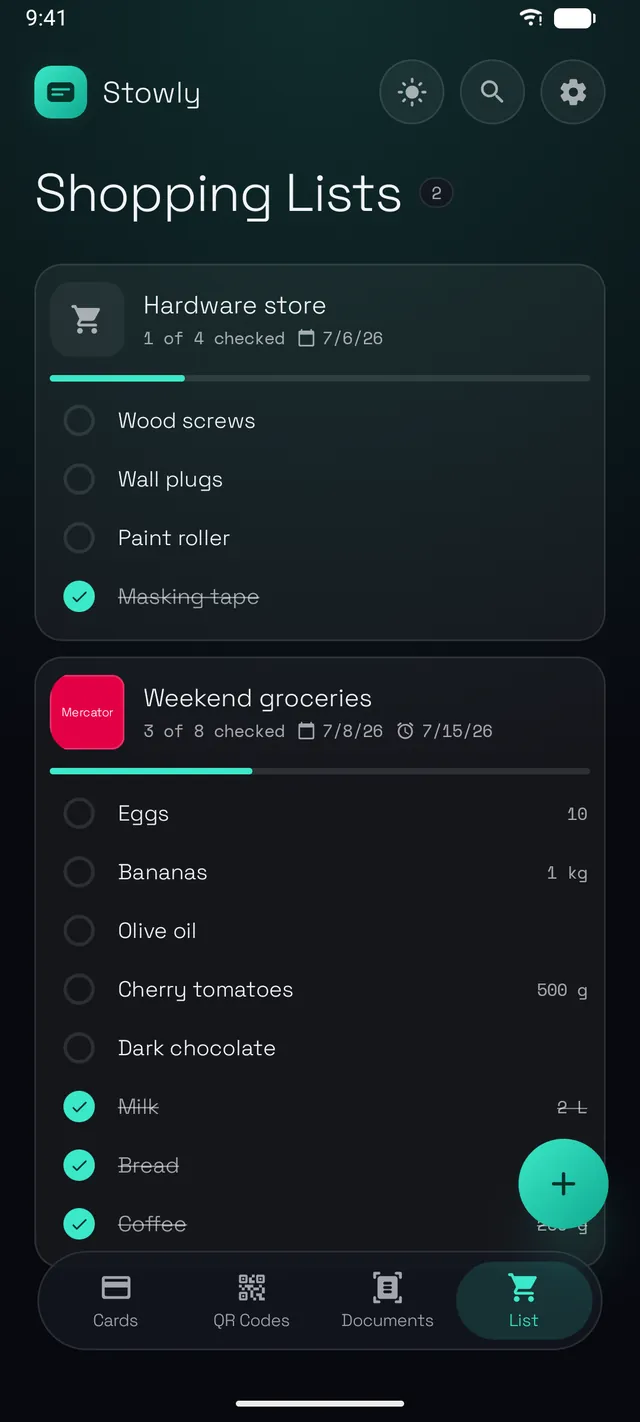
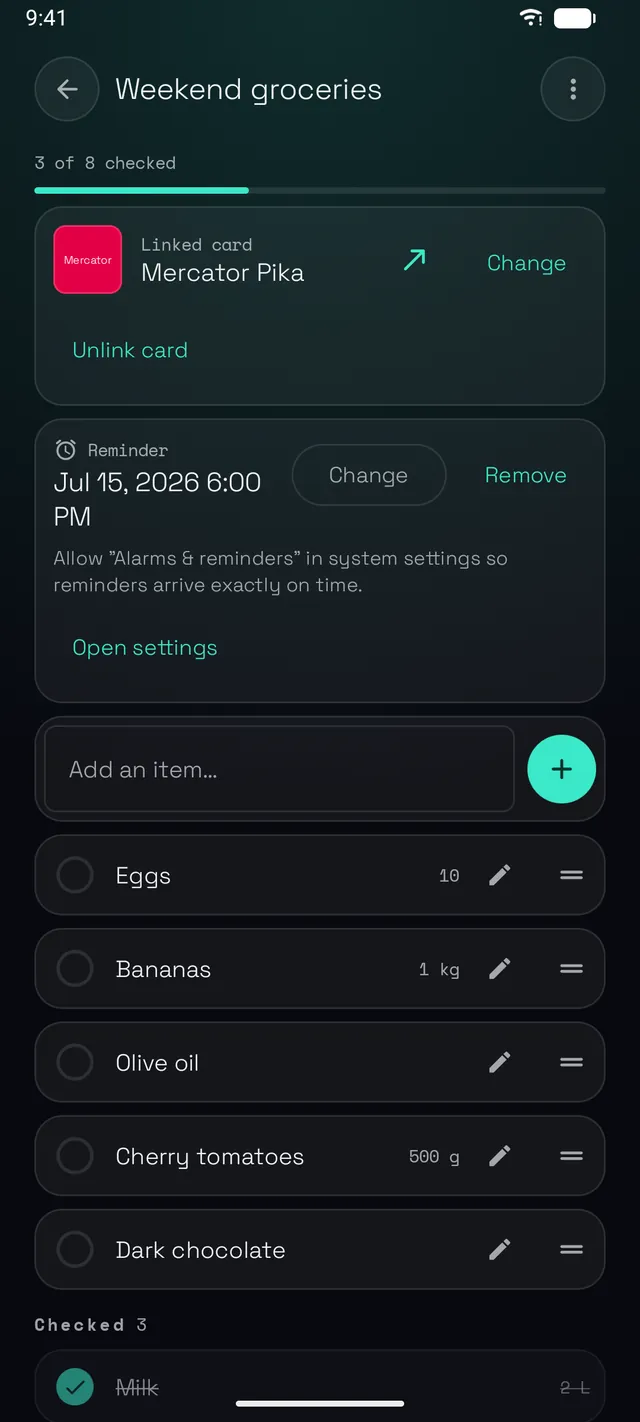
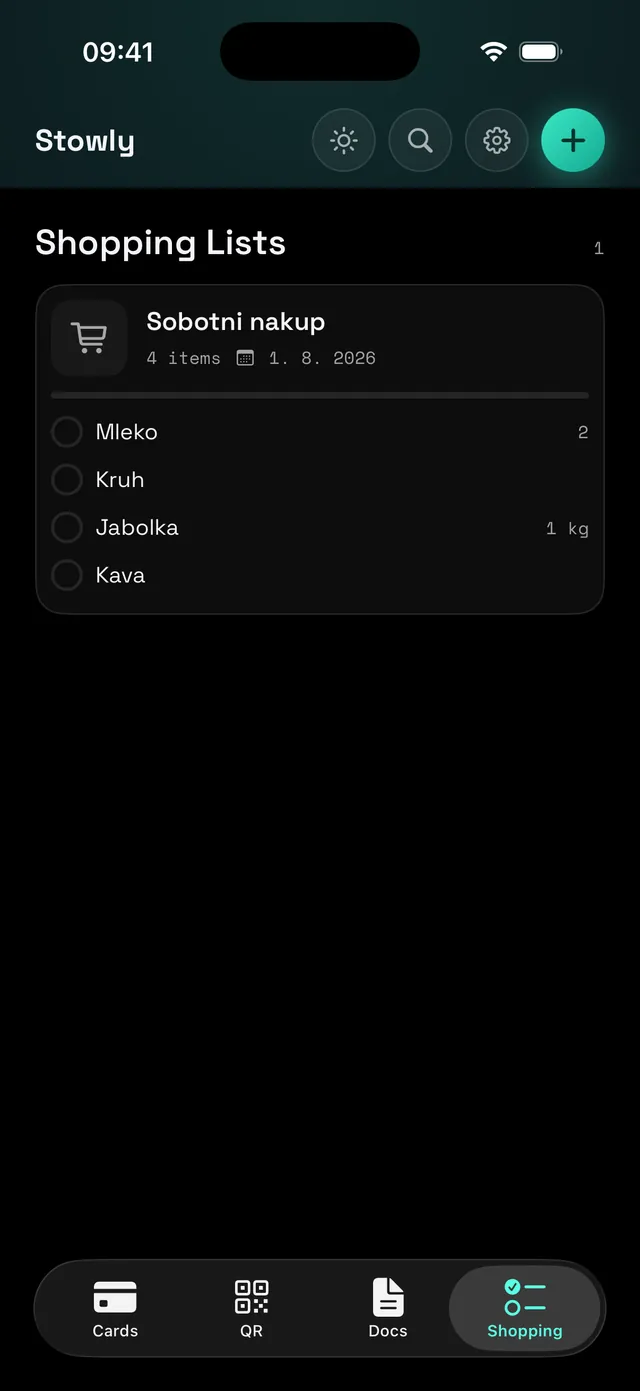
Items with free-text quantities, check-off with progress, reordering, a one-shot reminder, and a loyalty card linked to each list so it is ready at the till.
Expiry dates and reminders
Give any card or document an expiry date and get a local notification before it runs out. No servers involved, ever.
A 30-day safety net
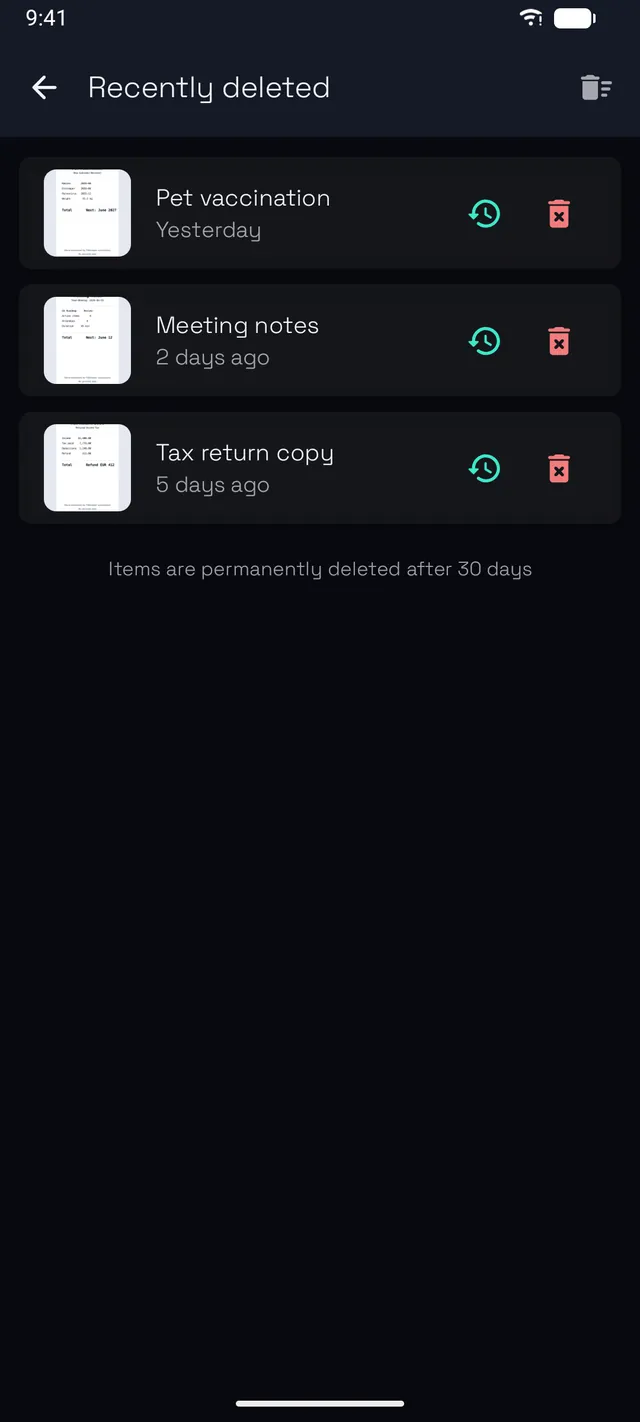
Deleted entries wait in Recently deleted for 30 days. Restore one, purge one, or empty the whole bin.
App lock
Lock the wallet behind a PIN, your fingerprint or your face. The PIN is stretched with 600,000 hash iterations and sealed with a hardware-backed key.
Encrypted backups that travel
Export everything to a local ZIP, optionally encrypted with AES-256 and a password only you know. A backup made on Android imports on iPhone, and the other way round.
Exports are checked before completion. See the last successful backup in Settings and turn on weekly backup reminders if you want them.
Import what you already have
Turn existing photos into cards, QR codes or documents. Barcodes are decoded straight from the image.
Import PDFs and images into one document, or open a document in Stowly from another app. Supports up to 200 pages and 64 MB per PDF. Unlock protected PDFs before importing.
Make it yours
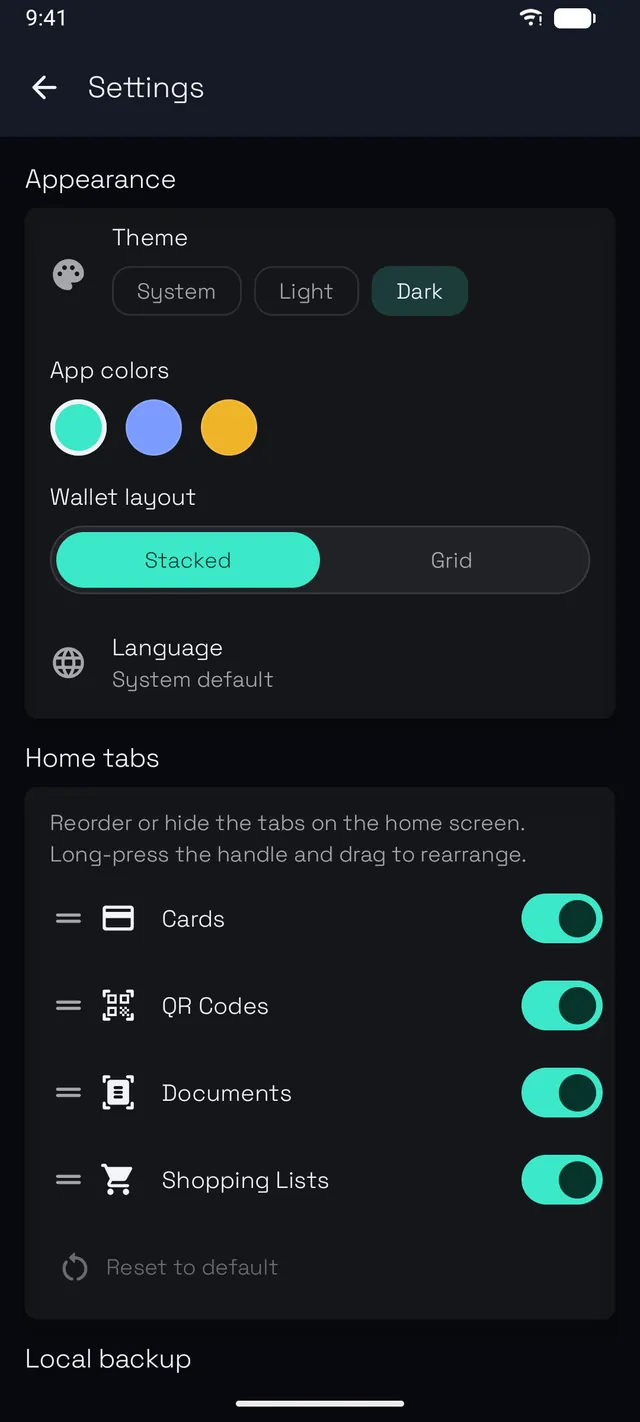
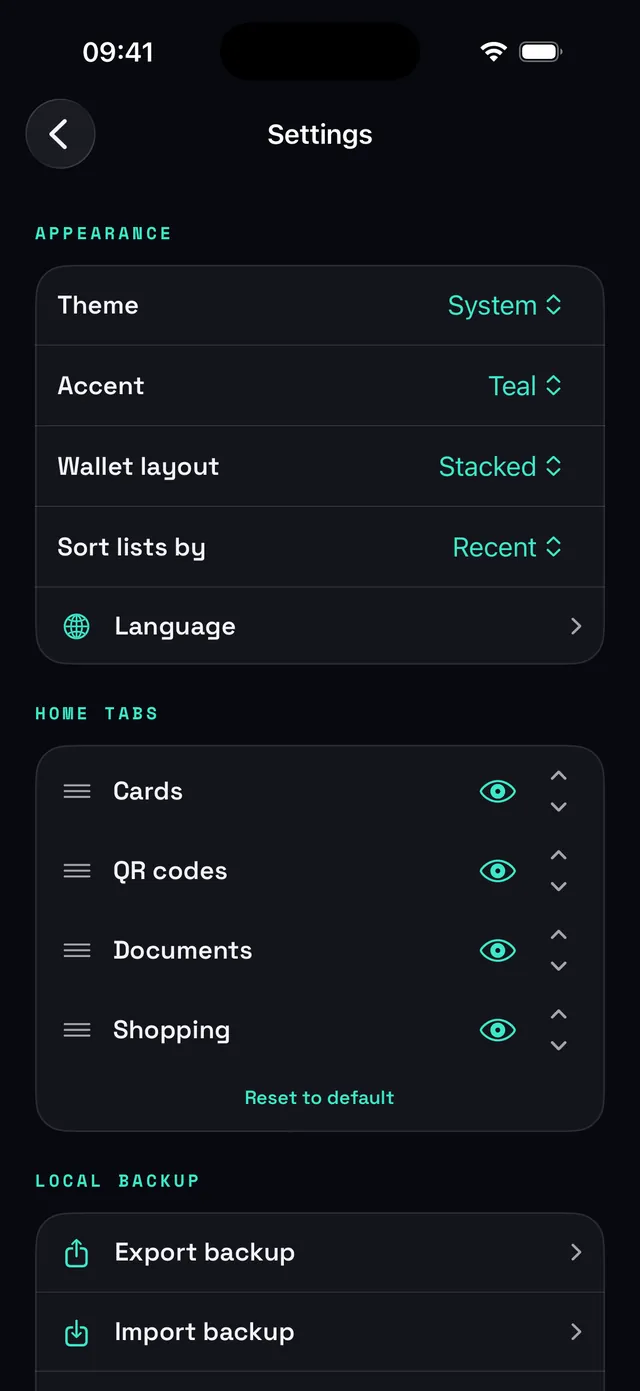
Light or dark theme, three accent colours, a stacked-deck or grid wallet, reorderable home tabs, and 24 languages.
Built natively for iPhone and iPad
The iOS build is Swift and SwiftUI, not a wrapper, with the same wallet, scanner, lists, app lock and 24 languages. Backups are cross-platform by design: a ZIP exported on Android imports on iPhone with everything intact, and the other way round. The screens above come straight from the iOS build.
Data and privacy
Stowly has no internet permission, so it cannot send anything anywhere. Cards, codes, documents, lists and settings live in a local database on your device. The only things that ever leave are the exports and shares you trigger yourself.
Read the full Stowly privacy policy.
Details
- Availability
- Available on Google PlayAvailable on the App Store
- Requires
- Android 15 or neweriOS 18.6 or newer
- Optimised for
- Phones · tablets · foldablesiPhone · iPad
- Version
- 1.21.0
- Languages
- 24 (English, Slovenian and 22 more)
- Permissions
- Camera and notifications (both optional)
- Internet
- None (no network permission)
- Built with
- Kotlin · Jetpack ComposeSwift · SwiftUI