Gremo: Slovenia's buses and trains, made easy to read
Gremo plans intercity journeys across Slovenia by bus and train. It was designed with older travellers in mind, and it is out now on Android and iOS.

Planning a trip between two Slovenian towns by public transport should not take a magnifying glass and a spreadsheet. Gremo takes the national timetable, the transfers and the live delay estimates and lays them out so they are easy to read and simple to use. It is free, has no ads, and is out now on Google Play and the App Store.
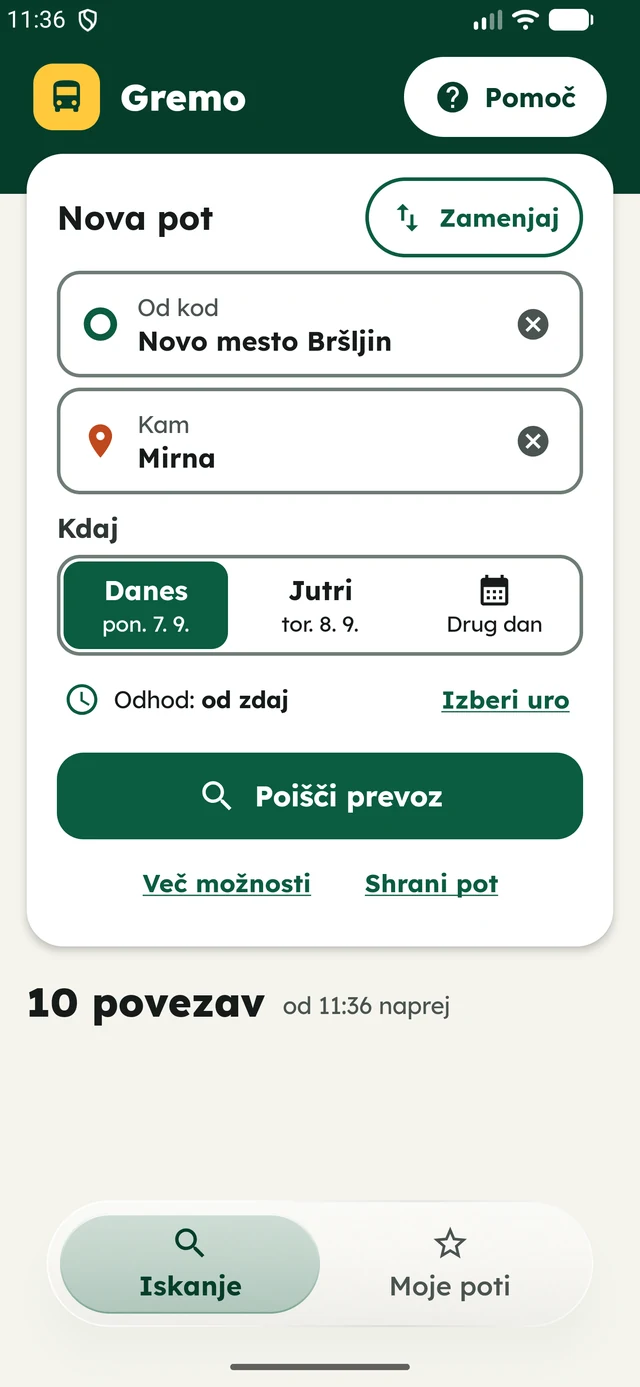
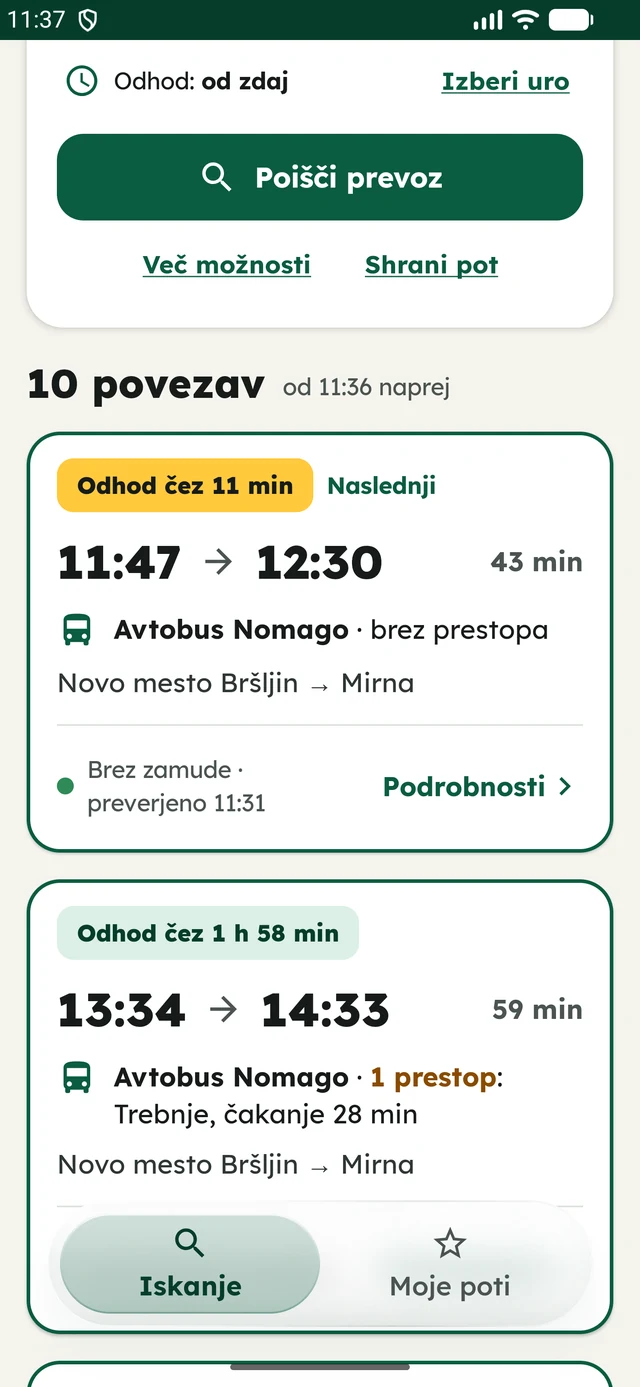
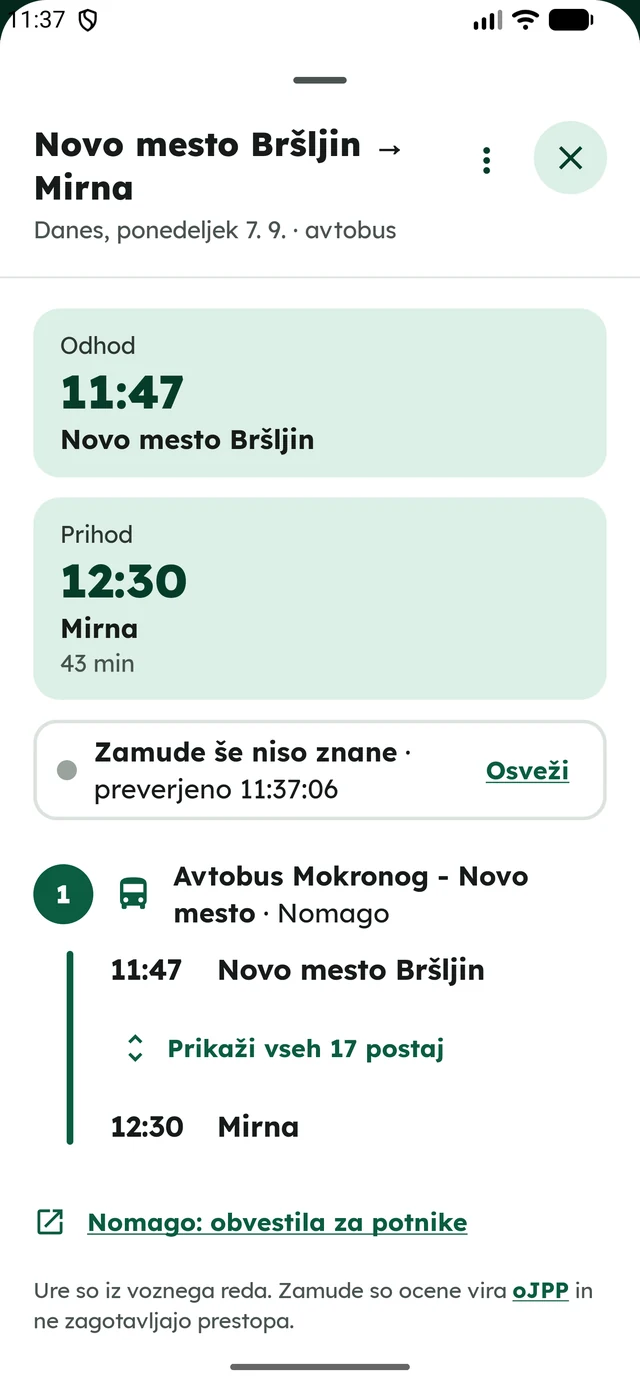
Designed for clarity first #
We designed Gremo especially for older travellers, without making it feel clinical. The controls are large, the contrast is strong, the type is Lexend and the app follows your system text size. The whole trip is on one screen, and Gremo never presents an invented direct route: if you need to change, it shows you where and flags a tight transfer.
What it does #
- Bus and train together. Search the official national timetable with up to two transfers. Comfortable routes keep train, bus and mixed options apart and flag short transfers.
- Live context. Published delay estimates, cancellations, vehicle information and operator notices, whenever the live feed has them.
- Routes you repeat. Save your frequent journeys, reopen them in one tap and set a local reminder about 15 minutes before departure.
Useful without a connection #
The timetable is built into the app, so you can search it offline. Gremo goes online to check for timetable updates and to add live delays and notices, and when live data is not available it says so plainly. There are no accounts, no analytics and no ads. Your saved routes, recent places and reminders stay on your device.
Gremo is an independent app. It is not an official app of the Republic of Slovenia, DUJPP or the transport operators, and it is not affiliated with them.
Gremo is in Slovenian, runs on Android 8 or newer and iOS 18 or newer, and is written natively in Kotlin with Jetpack Compose on Android and in Swift with SwiftUI on iOS. Screenshots and details are on the Gremo page.